
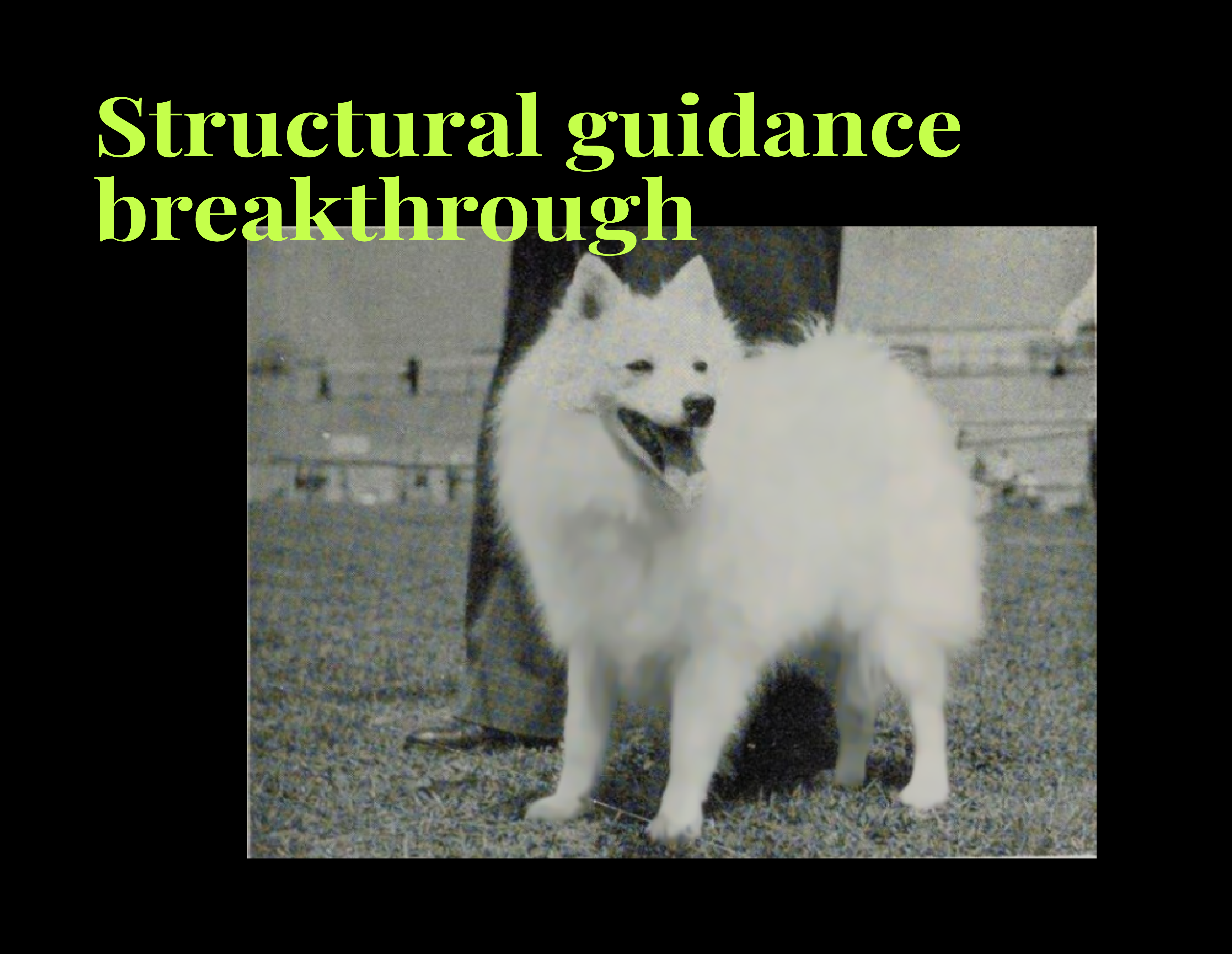
ControlNet is an extension or “auxiliary network” designed to give Stable Diffusion extra structural guidance. Typically, a diffusion model depends on text prompts and partial image data to figure out what to generate or inpaint.
ControlNet enriches this process by adding control images – edge maps, depth maps, or segmentation masks. This way, the model doesn’t lose track of important shapes.
Why does it matter for Spitz fur? Fur has subtle edges and layered textures that are easily blurred or lost. If ControlNet can anchor edges precisely, it might retain those intricate strands better than a vanilla inpainting approach.
Integration process
High-level steps
1. Generate control image
For edges, a Canny detector is common. You feed a black-and-white Japanese Spitz photo into Canny, adjusting thresholds until you capture the fur outlines without over-edgeing everything.
2. Use the “fake inpainting” trick
Because official inpainting support in SDXL + ControlNet is still incomplete, we can set masked pixels to a sentinel value like -1.0. This lets the pipeline treat those areas as “to be regenerated.”
Inference
The pipeline ingests:
- An image with masked pixels, optionally padded
- The edge-based control image
- Textual prompts/negative prompts
It then attempts to produce fur that aligns with the edges in the control image.

Adaptation of SDXL for ControlNet
Reality
ControlNet isn’t a magic button. On the black-and-white Spitz images, it sometimes overemphasized edges, producing weird line doubling in areas where the fur was supposed to be soft and gradient-like.
The approach can help if your main issue is shape retention – you want to keep the dog’s ear shape intact. But for nuanced fur texture, you also need the base model to know how that fur should look. We just got almost the same result for SD-1.5
Niche technical insights
Edge threshold tuning
Canny edge detection can overfire on minor color changes in black-and-white photos. We found that slightly higher threshold values produce a more coherent outline for fur edges.
Some advanced users do morphological dilation on the edges before feeding them to ControlNet, smoothing out spurious line breaks.
Guidance scale balancing
You have two guidance scales to consider:
- the standard Stable Diffusion guidance scale – how strongly it follows your text prompt
- and the ControlNet guidance – how strictly it follows edges.
If you crank both too high, the model can lock onto edges so rigidly that the texture becomes flat or artificially traced.
Memory footprint
Running SDXL with ControlNet can be VRAM-intensive. If your GPU is borderline for normal SDXL inference, adding ControlNet might push you over the edge. We’ve tested setups where an 8 GB card struggled, while 12–16 GB gave a smoother run.
“Fake inpainting” nuances
Marking masked pixels at -1.0 is a hack: the pipeline sees those as “don’t trust these areas” and tries to fill them in. Proper inpainting might require specialized model weights or a more direct integration. We took this route because official SDXL inpainting with ControlNet remains a work in progress.
Why ControlNet didn’t solve fur restoration for us
Domain gap: The base models simply weren’t extensively trained on black-and-white dog fur. Edges alone don’t conjure convincing textures if the knowledge of that specific fur pattern is missing.
Artifact risks: In some cases, edges near the masked boundary got reinforced in odd ways, creating repeated or double outlines.
SDXL growing pains: The newly released SDXL pipelines for ControlNet are not as mature as SD 1.5 equivalents. There’s still a learning curve and potential bugs that hamper consistent results.

SD-1.5 without ControlNet

SD-1.5 with ControlNet
ControlNet for inpainting in SD-1.5 gave almost the same result. And from this we can compare and understand that the variant without ControlNet but based on SDXL is still much better.
Ready for the real secret sauce? LoRA is up next. Let’s see if transferring knowledge about dog fur can finally give us the silky, adorable results we’re after.
Leave a Reply